The retention table/schedule in Policy 113 (Record Retention and Disposition) was updated on July 1, 2022. The update included retention changes for some records, enhanced descriptions for clarity, and new state requirements. There are new rows for records related to agreements, discrimination, harassment, leave, HR, university police, open record requests, security recordings, and media. There is also now a records management training video on the library website: https://www.tntech.edu/library/records-management/index.php. It’s about eight minutes long and explains how to use the records management website, access the policy, destroy records, and document destruction.
Category: Administration
-
Center Stage Presents: Author Michael James Rizza
Please join us, Thursday, October 20, for two events featuring novelist Michael James Rizza.
“Writing Stories: Engaging your Reader through Plot”
Thursday, Oct.20, 11-11:50am, Henderson 305
Michael James Rizza looks at the different elements of plot and how they work together to grab your readers’ interest and keep them turning pages. All are invited.
Rizza’s debut novel, Cartilage and Skin, was chosen as winner of the Starcherone Fiction Prize and won a silver medal in the Foreword Best of the Indies in the Thriller/Suspense category. He is an Associate Professor of Creative Writing at Eastern New Mexico University.
An Evening with Novelist Michael James Rizza
Thursday, Oct.20, 7pm, Backdoor Playhouse
Rizza will read from his fiction.
“Cartilage and Skin has it all: a fast-paced narrative, cool language, downtrodden characters, and addictive intrigue, Rizza writes with dark high-energy and philosophical flair. The story shifts with every page, never losing momentum, always surprising us. Fascinating, ferocious reading.”
– Deb Olin Unferth, author of Revolution: The Year I Fell in Love and Went to Join the War
-
Budget Office – November Training
Budget Office training sessions for November are now scheduled if anyone is interested! Below is a brief description of each training:
General Budget Training: This training helps provide a better understanding of the overall budgeting process and timelines from the university level. Other topics presented include information regarding budget revisions, revenues and expenses, budget monitoring, general guidelines, etc. This training is required for signature authority on budget revisions.
Budget Banner Screen Training: This training focuses specifically on Banner screens frequently used for budgeting purposes. This is an optional training course.
Budget Shadow System Training: This training focuses specifically on our Shadow System Template that can be used for reconciliation purposes. This is an optional training course.
Position Control Budget Training: This training focuses specifically on topics related to position control including new position set ups, personnel action forms, budget revisions for permanent positions, how to verify permanent position funding, lapsed salary, etc. This is an optional training course.
Please click here to register. We look forward to meeting with you!
-
Budget Office – October Revised Budget
All budget revisions needed to clean up accounts before October Revised Budget should be submitted to our office by Friday, September 30th.
If you have any questions, please contact ehamblen@tntech.edu.
-
Now Hiring! Financial Analyst 1 – Dean of College of Education Office
The Dean of the College of Education Office is now hiring a Financial Analyst 1. Pay Grade: AD45. Complete position summary and application procedure available at https://jobs.tntech.edu. The application screening date is September 18, 2022; open until filled. Tennessee Tech is committed to a diverse workforce by fostering an inclusive work environment for students, faculty, and staff. Successful candidates should have a demonstrated commitment and contribution to fostering and advancing equity, diversity and inclusion. Tennessee Tech is an Equal Opportunity/Affirmative Action employer.
-
Update! Eagle Cards with Preferred Names may be Re-printed after Oct. 17
Instructions on how to provide your preferred name were shared in last Tuesday’s Tech Times edition. Students can still request to use their preferred first name through the Registrar’s office. On this page, click the accordion tab to open “Student Records Forms,” and the third gold link option is “Preferred Name Change.” Once this change is submitted and processed, students can request their EagleCards re-printed with their preferred name AFTER October 17. There is a re-printing fee of $10.
-
Budget Office – September Training
Budget Office training sessions for September are now scheduled if anyone is interested! We will be offering each budget training twice in the month of September, and no training will be presented in October due to the October Revised Budget deadline. Below is a brief description of each training:
General Budget Training: This training helps provide a better understanding of the overall budgeting process and timelines from the university level. Other topics presented include information regarding budget revisions, revenues and expenses, budget monitoring, general guidelines, etc. This training is required for signature authority on budget revisions.
Budget Banner Screen Training: This training focuses specifically on Banner screens frequently used for budgeting purposes. This is an optional training course.
Budget Shadow System Training: This training focuses specifically on our Shadow System Template that can be used for reconciliation purposes. This is an optional training course.
Position Control Budget Training: This training focuses specifically on topics related to position control including new position set ups, personnel action forms, budget revisions for permanent positions, how to verify permanent position funding, lapsed salary, etc. This is an optional training course.
Please click here to register. We look forward to meeting with you!
-
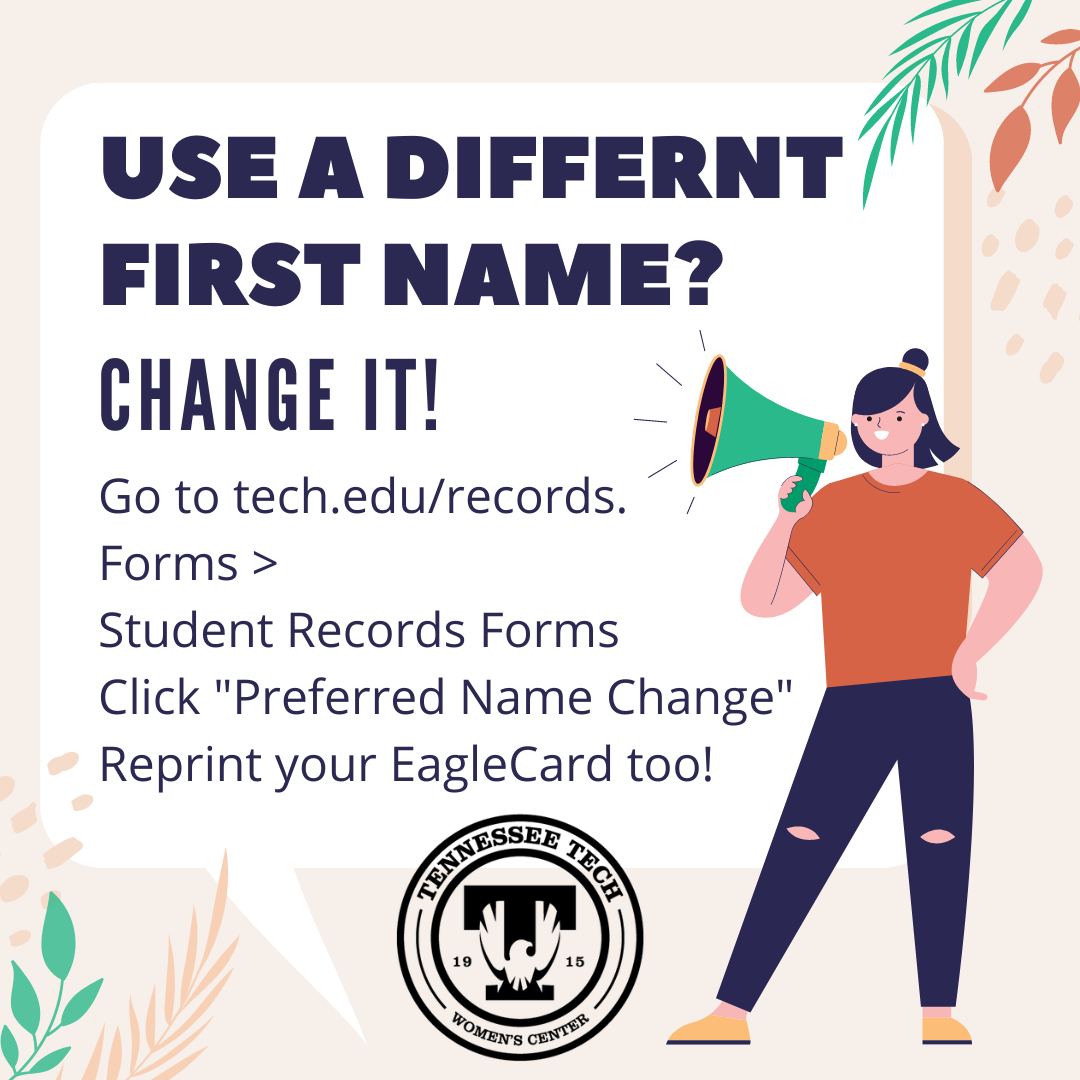
How-To: Preferred Name Change for Students
Does iLearn say Chrysanthemum but you go by Chris? Stop the confusion, and change it! Students can request to use their preferred first name through the Registrar’s office.
On this page, click the accordion tab to open “Student Records Forms” and the third gold link option is “Preferred Name Change.” Just fill out the form. Once this change is submitted and processed, people can get their EagleCards re-printed with their preferred name, they’ll just have to pay the re-printing fee of $10.
-
Budget Office – August Training
Budget Office training sessions for August are now scheduled if anyone is interested! Below is a brief description of each training:
General Budget Training: This training helps provide a better understanding of the overall budgeting process and timelines from the university level. Other topics presented include information regarding budget revisions, revenues and expenses, budget monitoring, general guidelines, etc. This training is required for signature authority on budget revisions.
Budget Banner Screen Training: This training focuses specifically on Banner screens frequently used for budgeting purposes. This is an optional training course.
Budget Shadow System Training: This training focuses specifically on our Shadow System Template that can be used for reconciliation purposes. This is an optional training course.
Position Control Budget Training: This training focuses specifically on topics related to position control including new position set ups, personnel action forms, budget revisions for permanent positions, how to verify permanent position funding, lapsed salary, etc. This is an optional training course.
Please click here to register. We look forward to meeting with you!
-
Microsoft MFA Transition Dates Announced
It’s Finally Time! The university is nearing completion of migrating to Microsoft’s Multi-Factor Authentication & Self-Service Password Reset system. The new system supports push notifications via an app, phone call, or text message for one-time passcode. We want to remind you to register two methods for Multi-Factor Authentication (MFA) if you have not done so already. If you need to check to see if you have enrolled, you will want to go to the MS Info QuickLink in TechExpress.
The transition dates to the new method from the current IDme solution are:
- August 3rd – Faculty and Staff will be migrated to using Microsoft MFA.
- August 8th – Students will be migrated to using Microsoft MFA.
You will not be able to sign in to most of the applications without completing enrollment. For more information about this new system, visit https://go.tntech.edu/mfa for course links, how-to videos, and instructions. If you have questions, contact the IT Help Desk for more information.